01 / ARRANGE
A place for every layer.
Choose an image, move it where it belongs, and bring the right details forward. Your composition stays completely in your hands.
More room to move. More freedom to create.
Bring your images together, edit the details, and make something unmistakably you.
Free browser editor · Explore AI generation & image layers
 Product
Start with our layered example or add your own images.
Your next edit is just a click away.
THE EVERYDAY ESSENTIALSimple controls that keep you in your creative flow.
Choose an image, move it where it belongs, and bring the right details forward. Your composition stays completely in your hands.
Explore a different mood. Add text in your palette and adjust the details until it feels right.
Keep a finished image and an editable project. Download once, come back with a new idea.
Product launches, everyday posts, or the idea
you've been meaning to try. Start somewhere.
Give your product room to shine. Build a composition from your cutouts, backgrounds, and new text.
Make the headline bigger. Bring a detail forward. Create a visual that belongs on your feed.
Try a new arrangement without starting over. Keep your individual assets and return to the project later.
Original layout inspiration. The editor example is prepared in layers; it is not an automatic AI split.
An AI layer splitter separates a flat image into individual visual elements, such as a product, background, and decorations. These elements can be represented as transparent image layers, giving you more flexibility to move and adjust parts of a composition. The result depends on the image and the model: overlapping objects, reflections, and fine edges can need extra work.
Upload a photo to open it as a single layer, then use AI splitting when the service is available. Review the separated image assets and adjust the composition in your browser. If the returned positions or stacking order cannot be verified, the editor keeps your original canvas and lets you add the assets individually. Need a starting image? Explore our AI image generator.
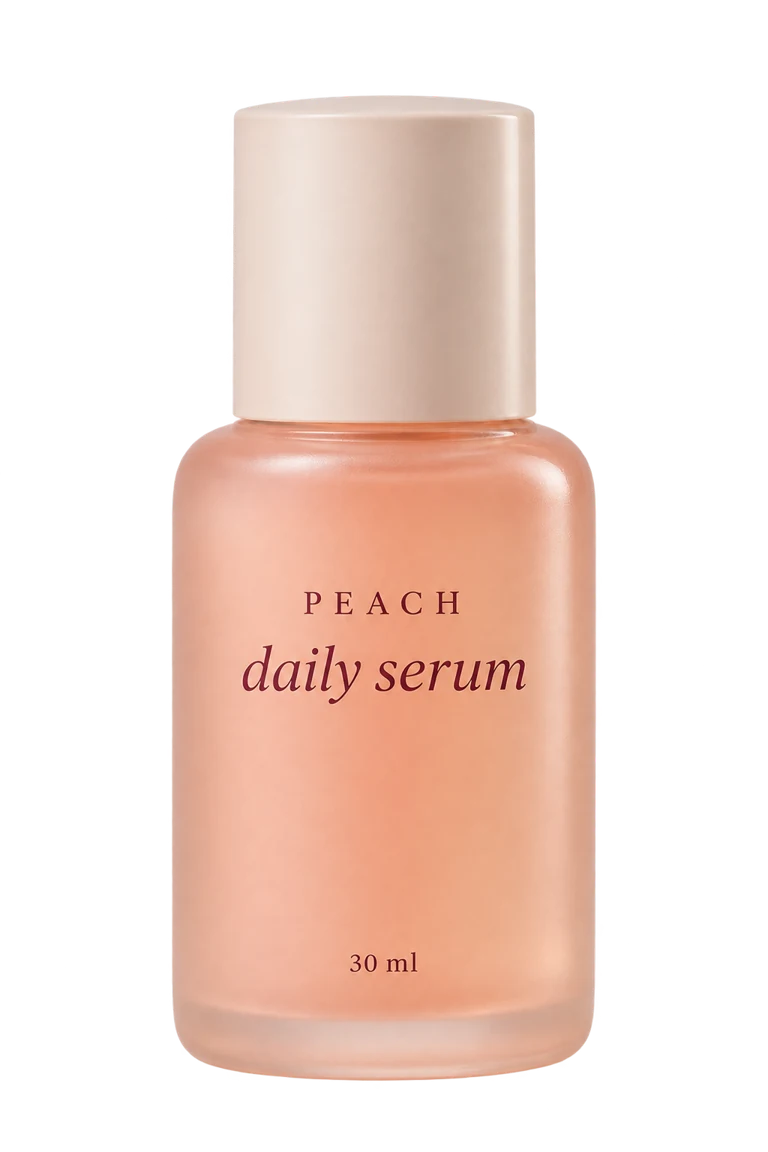
An image grid splitter cuts a picture into equal rectangles. A layer separator aims to isolate meaningful elements. For example, a bottle and its background belong on different layers even when the bottle overlaps several areas of the picture. This distinction matters when you want to change a layout rather than publish a grid of cropped images.
Our current editor helps you work with the pieces you already have. Select a layer to move, resize, rotate, hide, or adjust it. Add a new text layer for your own headline. Download a PNG for sharing, or keep a project ZIP containing images and layout data so you can continue in this editor. Existing text inside a photo remains part of that image; adding editable text does not reconstruct the original font or text box.
Local editing and PNG or project ZIP downloads are ready to try. AI generation, image splitting, and selected-layer editing are being activated. A generated image starts as one flat layer; splitting is a separate action. Cloud projects and PSD export are not currently offered.
AI Layer Splitter is a browser workspace for arranging individual image assets, adding editable text, and keeping a project you can revise. The local editor is available now. KIE-powered AI splitting, text-to-image generation, and selected-layer editing are currently paused while service setup is completed.
AI splitting is currently awaiting activation. Adding a file to the local editor creates one image layer; it does not run AI. When splitting is available, you will choose Split image to submit the design and review the returned image assets. The prepared example was built from separate assets and is not an AI decomposition result.
If returned image positions or stacking order cannot be verified, the editor keeps your original canvas and shows the returned assets for review. You can add individual images and arrange them manually. AI may merge objects or change details, so inspect the results before using them.
The AI image generator is being prepared and is currently paused. When it is available, you can describe an image and choose its settings, then review the result. Opening a generated image in the editor adds one flat image layer. It does not automatically run a second AI task or split the image; splitting is a separate action.
Move, resize, rotate, hide, reorder, or delete individual layers. Adjust image opacity and brightness, and add your own editable text. Undo and redo help you try different arrangements. These local controls work without running an AI task.
Existing words inside a photo are image pixels. Separating a text-shaped image layer does not recover its font or turn it into an editable text box. Text you add with the editor, and native text in the prepared example, can be changed directly. AI edits to lettering, when available, produce image pixels rather than native text objects.
Add PNG, JPEG, or WebP files, up to 5 MB each. Transparent PNG and WebP assets are useful for independent objects. The editor supports up to 24 layers; large images and complex projects may be limited by your device’s memory.
Export a PNG for the finished image, or a project ZIP containing the original assets, rendered layers, and project data. Reopen a project ZIP in this editor to continue working. A download of raw AI result images is separate from a saved editor project. PSD and PowerPoint export are not available.
Opening local files and using the local editing controls does not upload their image contents. A connected AI split or edit uploads the design or selected layer only when you run that AI action; text-to-image generation sends your description and settings. Temporary input uploads on this website are deleted after 24 hours. That period does not govern KIE or its underlying providers, or the generated output files. See the Privacy Policy for details.
Local editing, PNG downloads, and project ZIP save and import are free and do not require an account. AI features are currently paused. When activated, AI actions may require sign-in and credits; check the availability and credit cost shown for the action before submitting it. Opening a generated image in the editor does not itself start another AI task.
Open the example. Move something. Make it yours.
Browser editing is free to try. No account needed.Add an image or a little text to begin.